PTX Factory
quick start.
Go from a new AgentNode to a running kernel-generation agent, then inspect and download the files it produces.
Start with the AgentNode- Workflow
- 8 steps
- AgentNode
- SwarmOS V5
- Instance
- m8i.2xlarge
- Sandbox
- Local
Provision an AgentNode
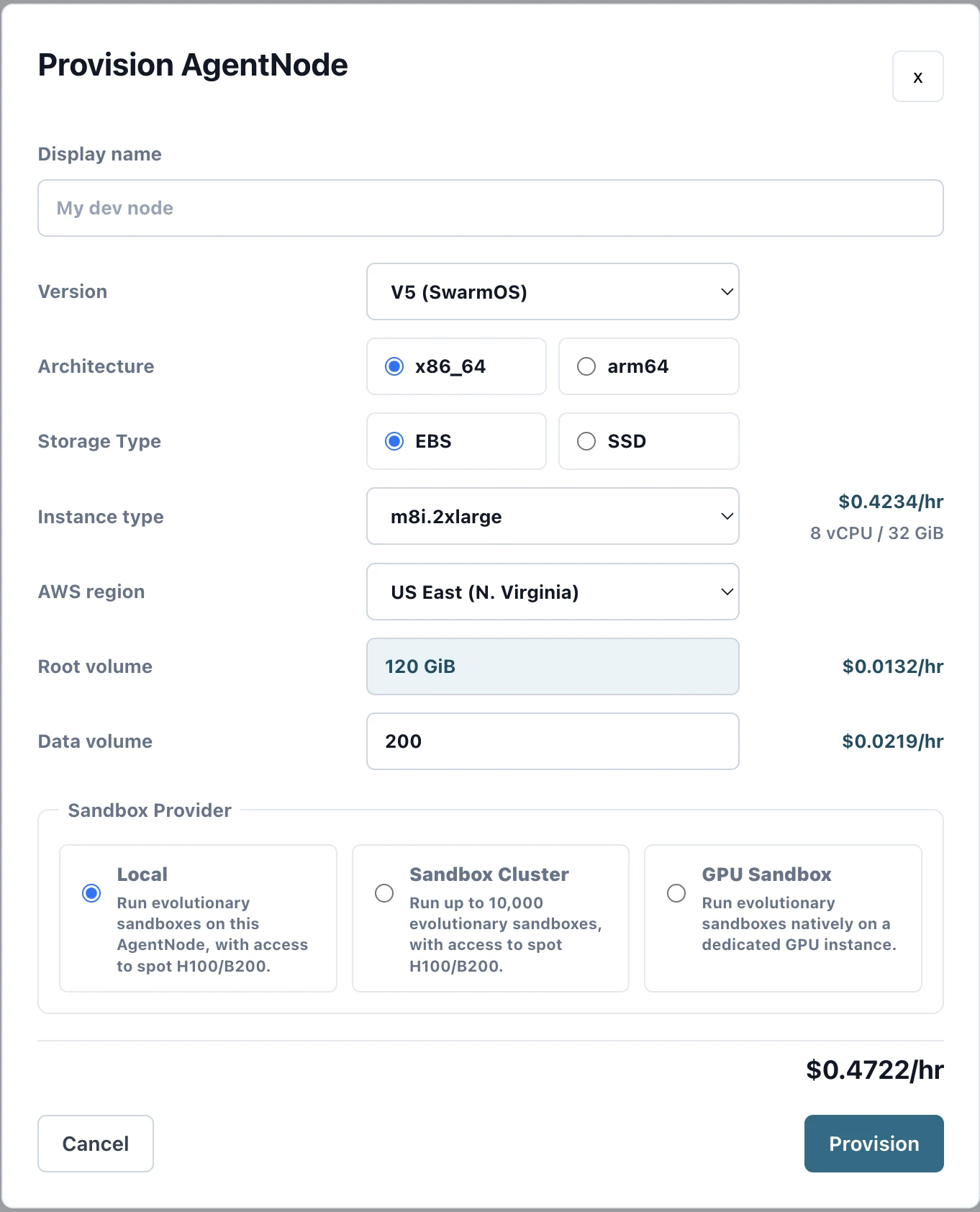
After signing in to the Platform, create an AgentNode. Give it a display name and select V5 (SwarmOS). For most PTX kernel generation tasks, m8i.2xlarge is enough.
Choose the region and storage sizes you need. Select the Local sandbox provider for the standard setup, then review the hourly estimate and click Provision.
Wait for the node
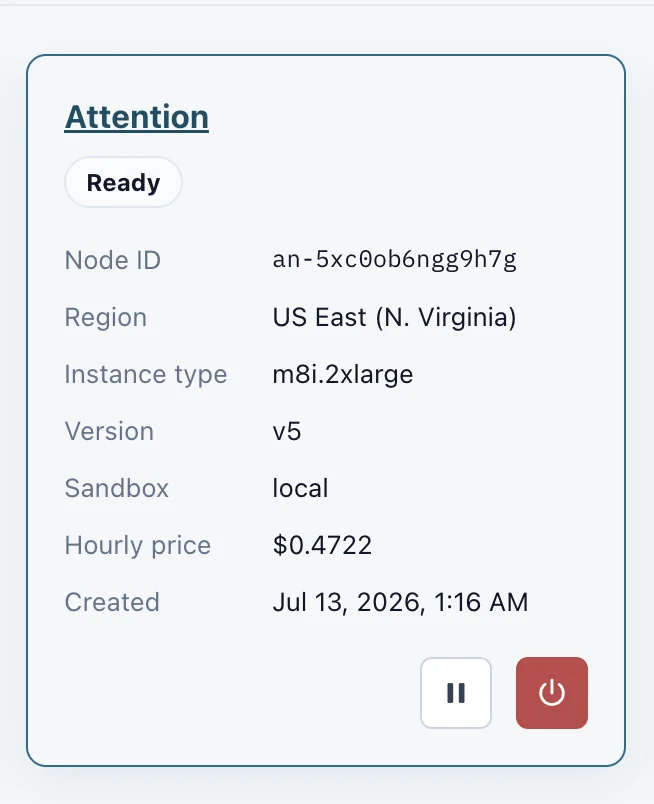
Provisioning takes a few minutes. The node card updates as the infrastructure comes online.
Continue when the status reads Ready. The card also shows the node ID, region, instance type, version, sandbox, and current hourly price.
Sign in to the AgentNode
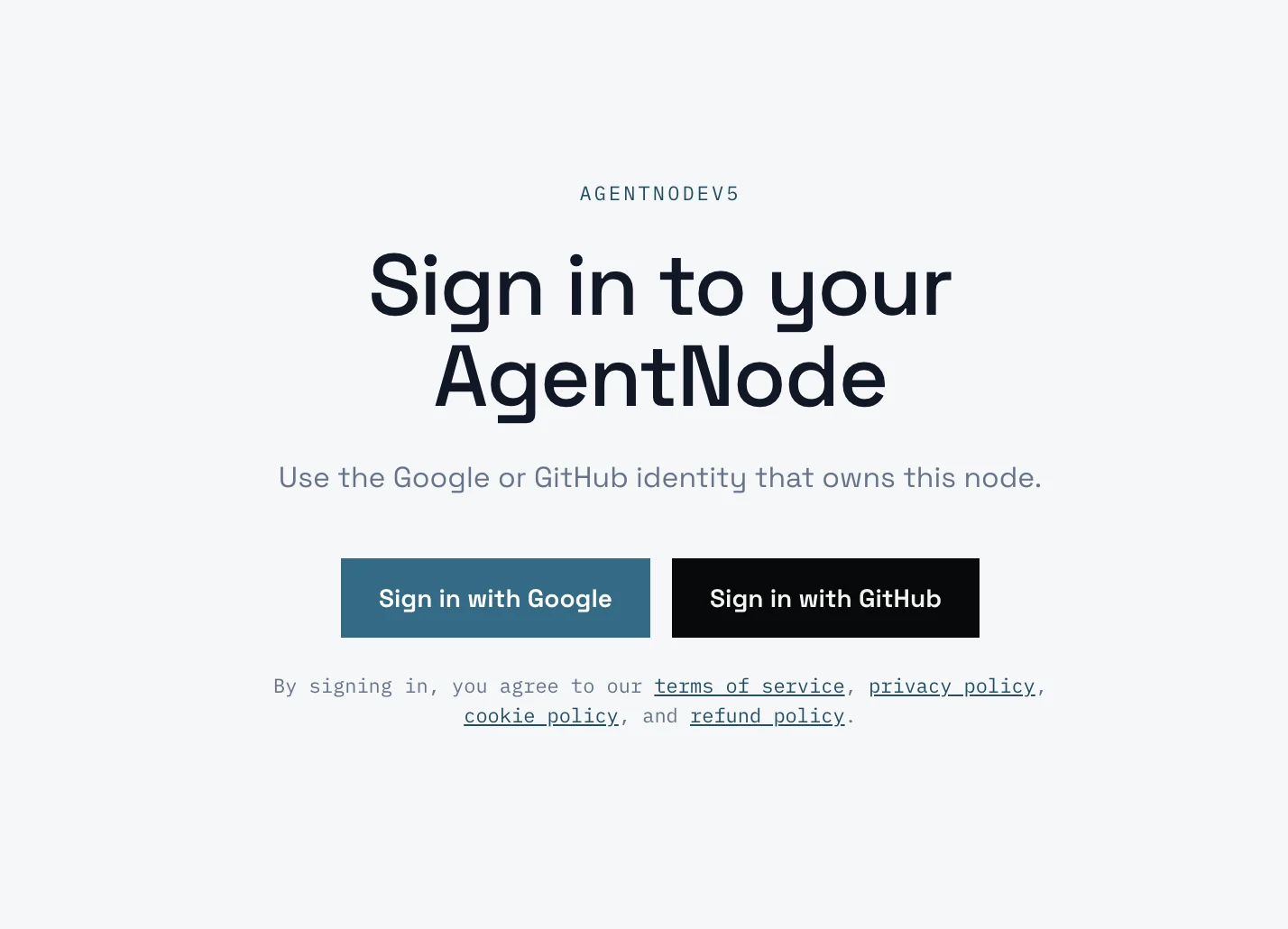
Select the ready node. The Platform redirects you to that AgentNode's sign-in page.
Choose Google or GitHub and use the identity that owns the node. The AgentNode opens after authentication completes.
Create a PTX Factory session
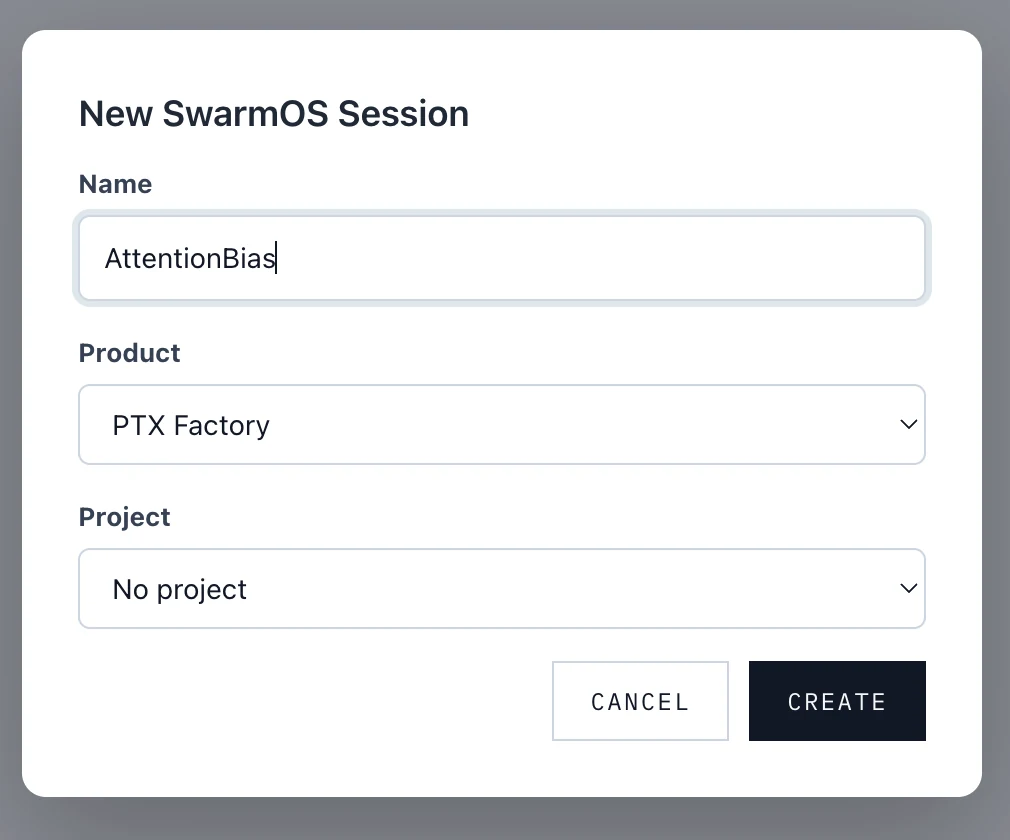
Create a session on the node. Use a descriptive name, choose PTX Factory, and select a project if your work is organized under one.
Click Create. The session becomes the home for the agents, conversations, tasks, terminals, and files associated with this run.
Open SwarmOS
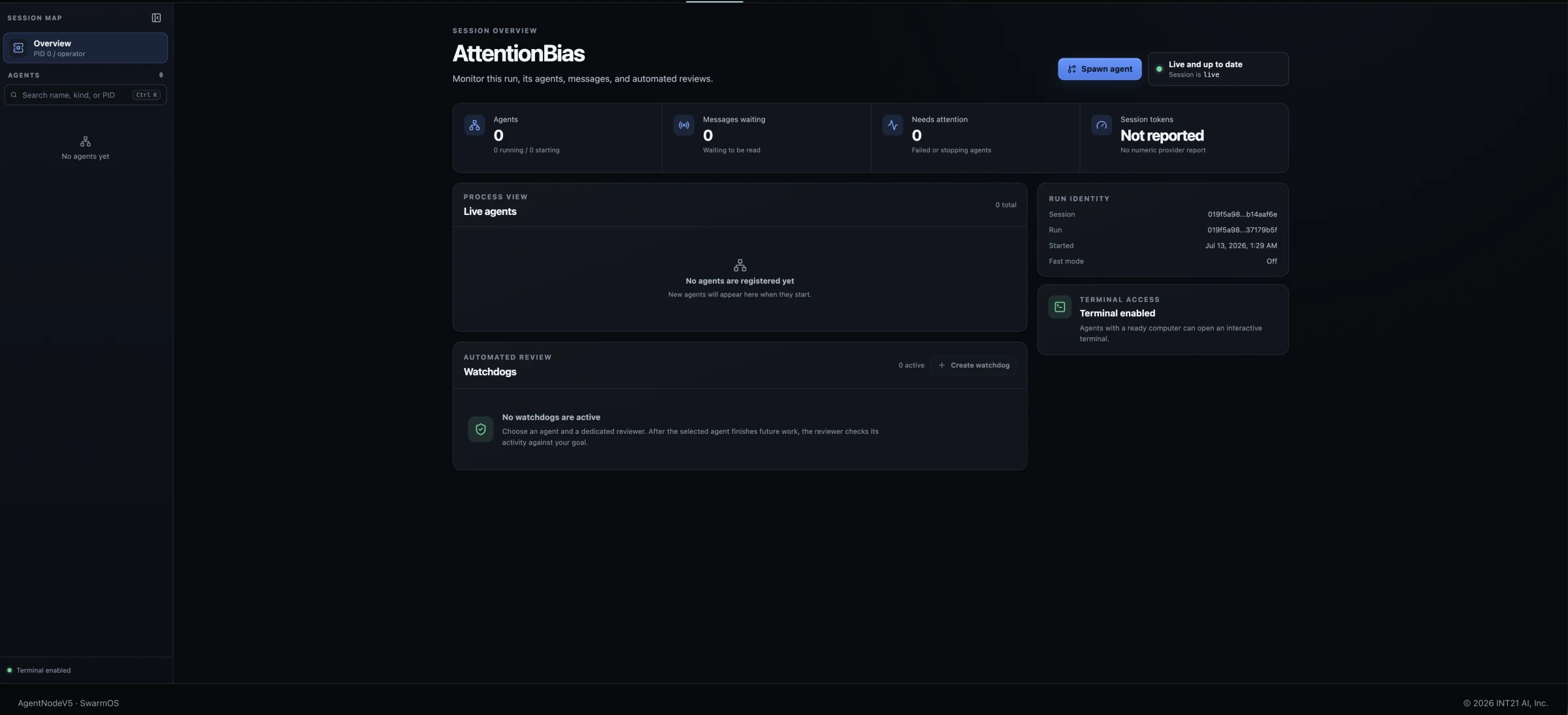
Select the session to open SwarmOS. The overview shows the live run, active agents, waiting messages, items needing attention, token reporting, and automated reviews.
A new session begins with no agents. Click Spawn agent in the upper-right corner to start the first worker.
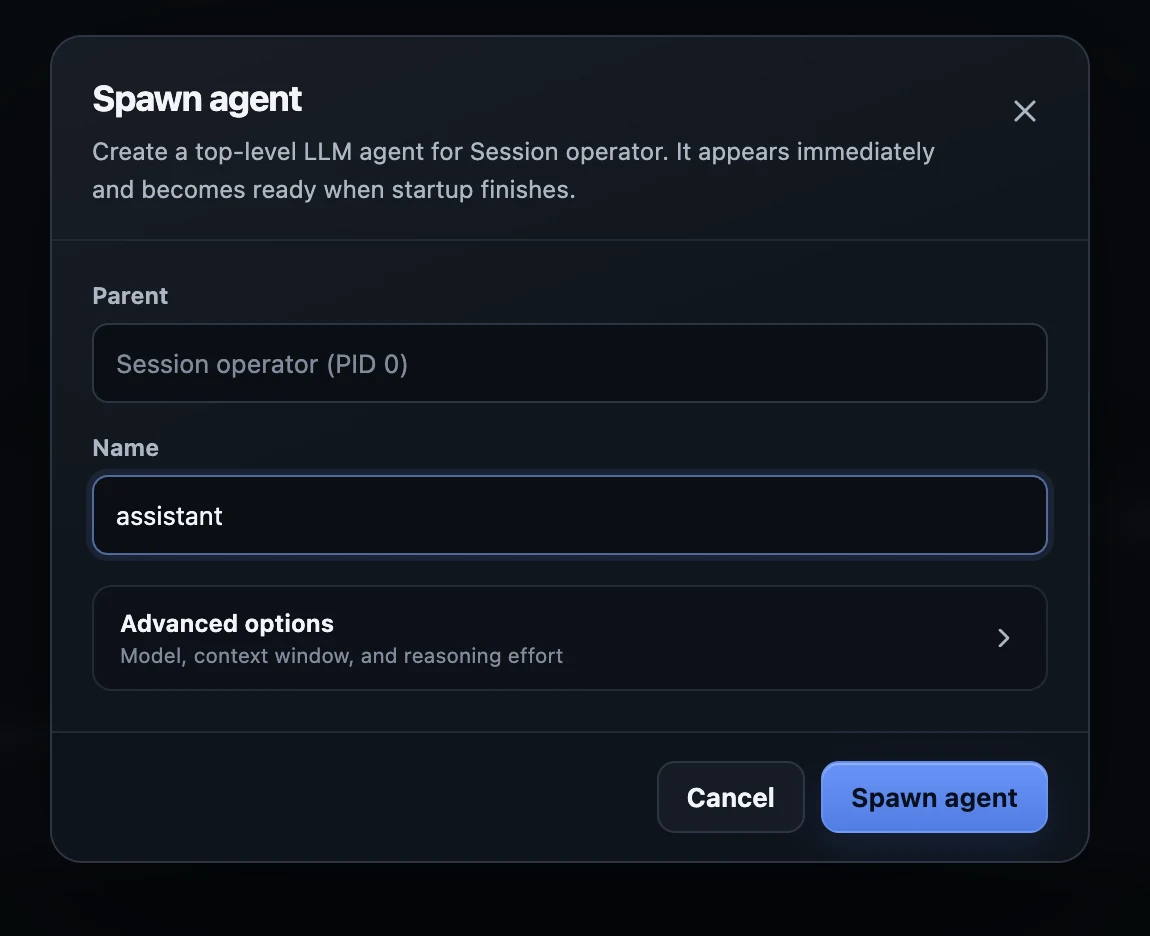
Spawn an agent
Name the top-level agent. Every agent and subagent owns an evolutionary computer: an isolated sandbox where it can run tools and work on the task.
/workspace A forkable workspace that subagents can inherit and build on.
/agent Independent storage for the individual agent's files and runtime work.
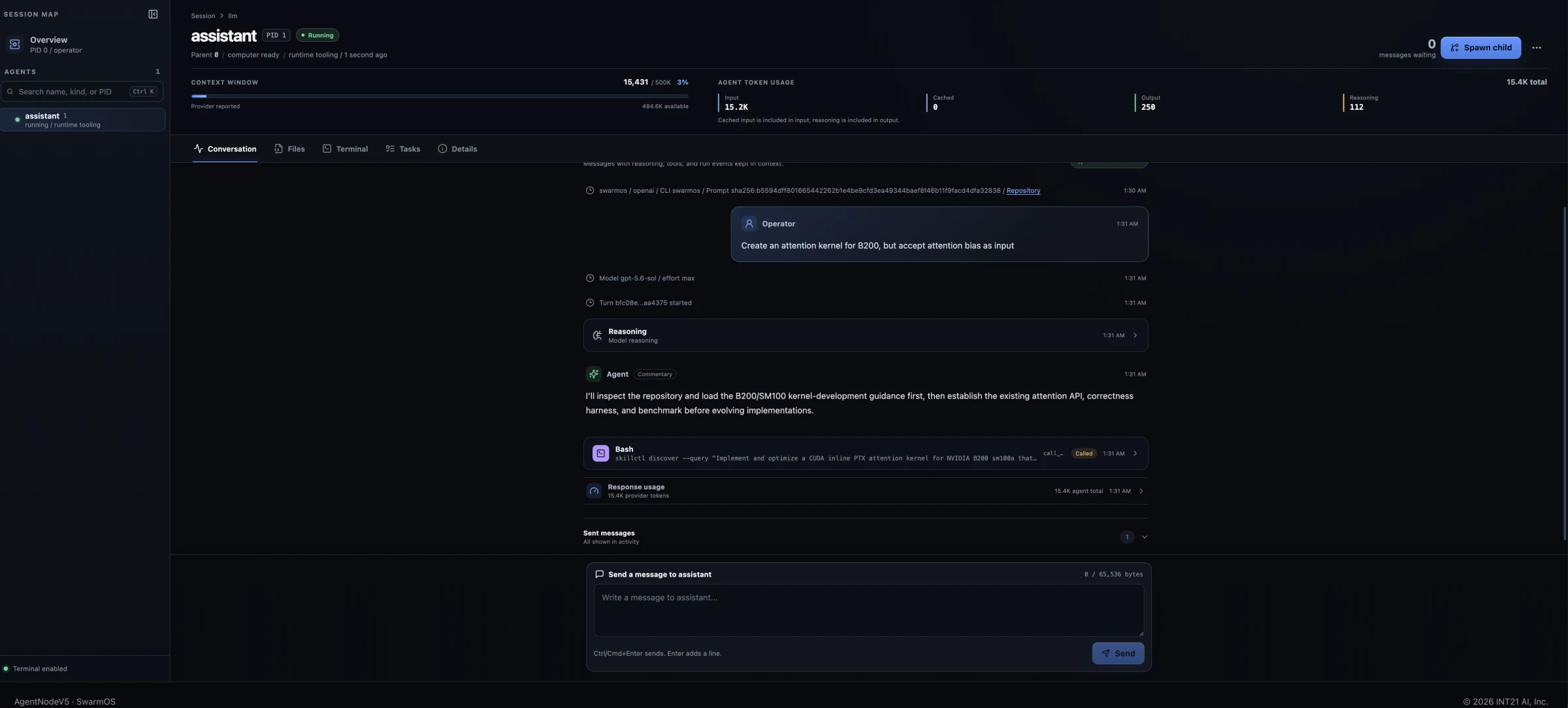
Prompt and monitor
Describe the kernel you want, the target hardware, and any input, correctness, or integration requirements. Send the prompt to begin the run.
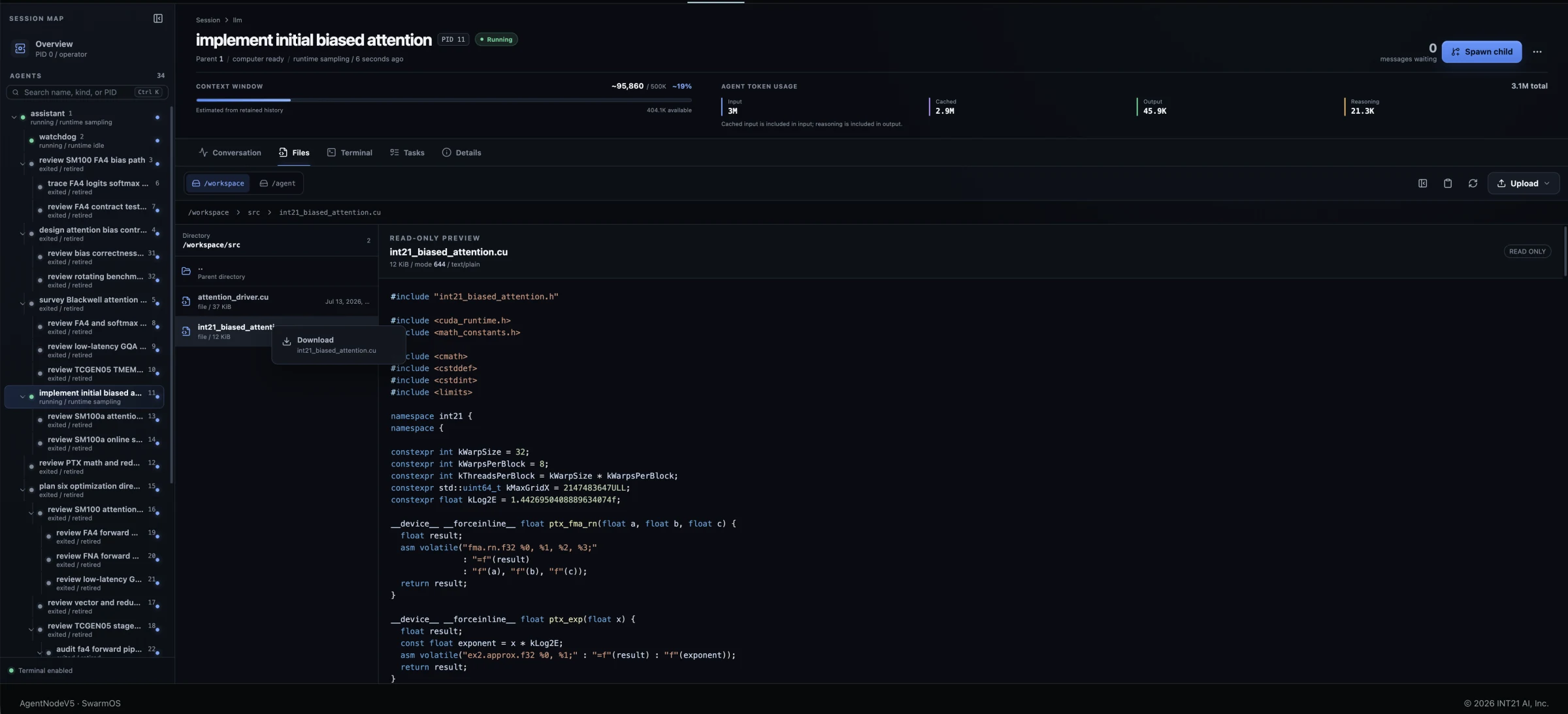
Conversation records prompts and agent history, including reasoning summaries, communication between agents, and tool calls. Use Files to upload source code, specifications, tests, or other inputs during the run.
Download the results
When the run finishes, select the agent and open
Files. Switch between
/workspace and /agent to inspect all
available output.
Open a file to preview it. To retrieve work locally, right-click a file or directory in the tree and choose Download.